Presentations
The diagram's already done. So is the deck.
Turn the diagrams you've already made into slides you can share — no exporting, no rebuilding, no switching tools. Diagram once, present anywhere.
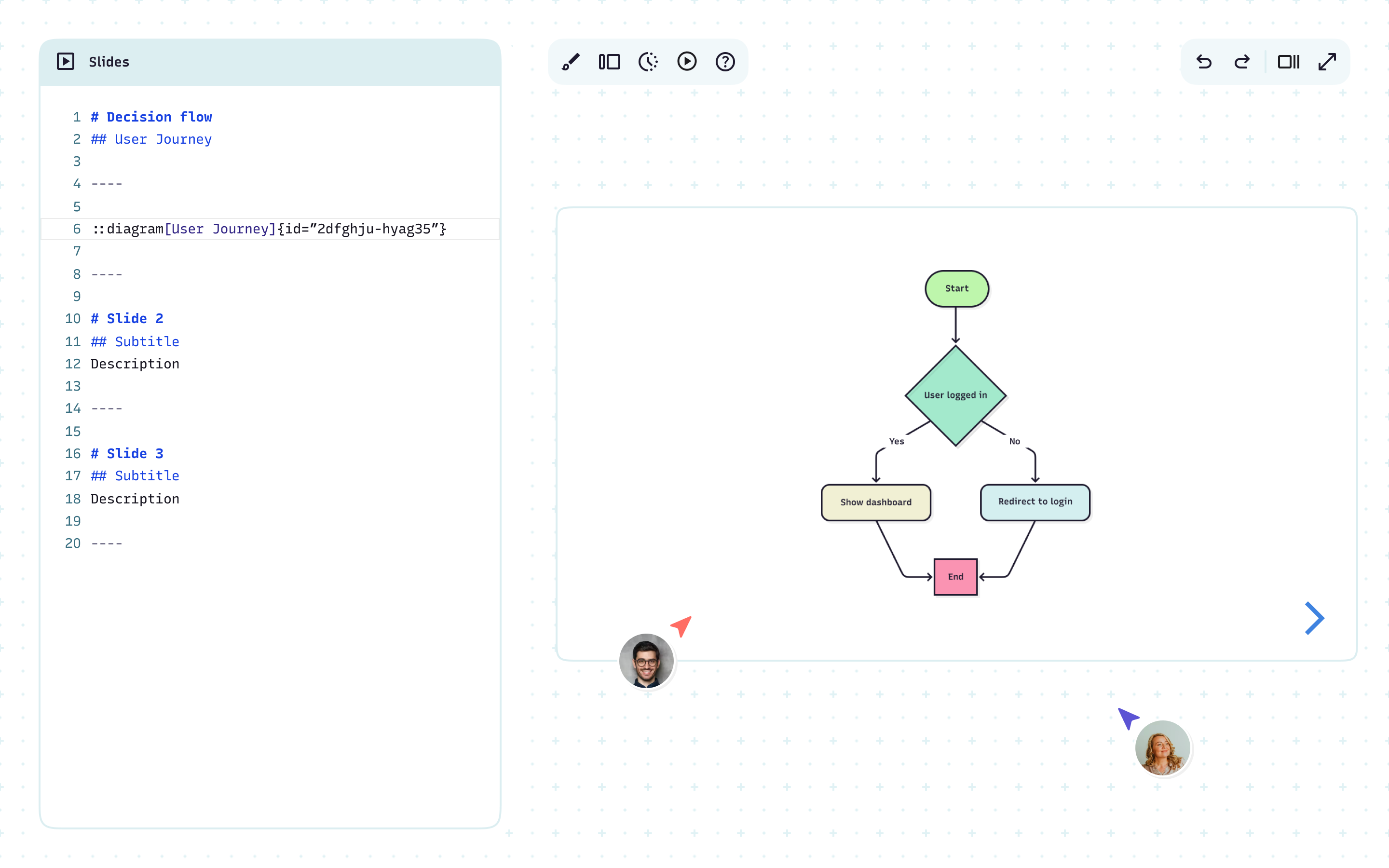
Present where you work
Your diagrams and slides stay connected without exporting or switching tools.
Never show a stale screenshot again
When a diagram changes, your deck updates with it – automatically.
Write in Markdown, skip the formatting
Focus on what you're saying. Mermaid handles how it looks.
Share in one click
Generate a public link anyone can view and comment on. No account or setup required.
Multiple diagrams, one story
Walk through architecture, pitch your strategy, or share progress without switching tabs – all in one fluid slide deck.
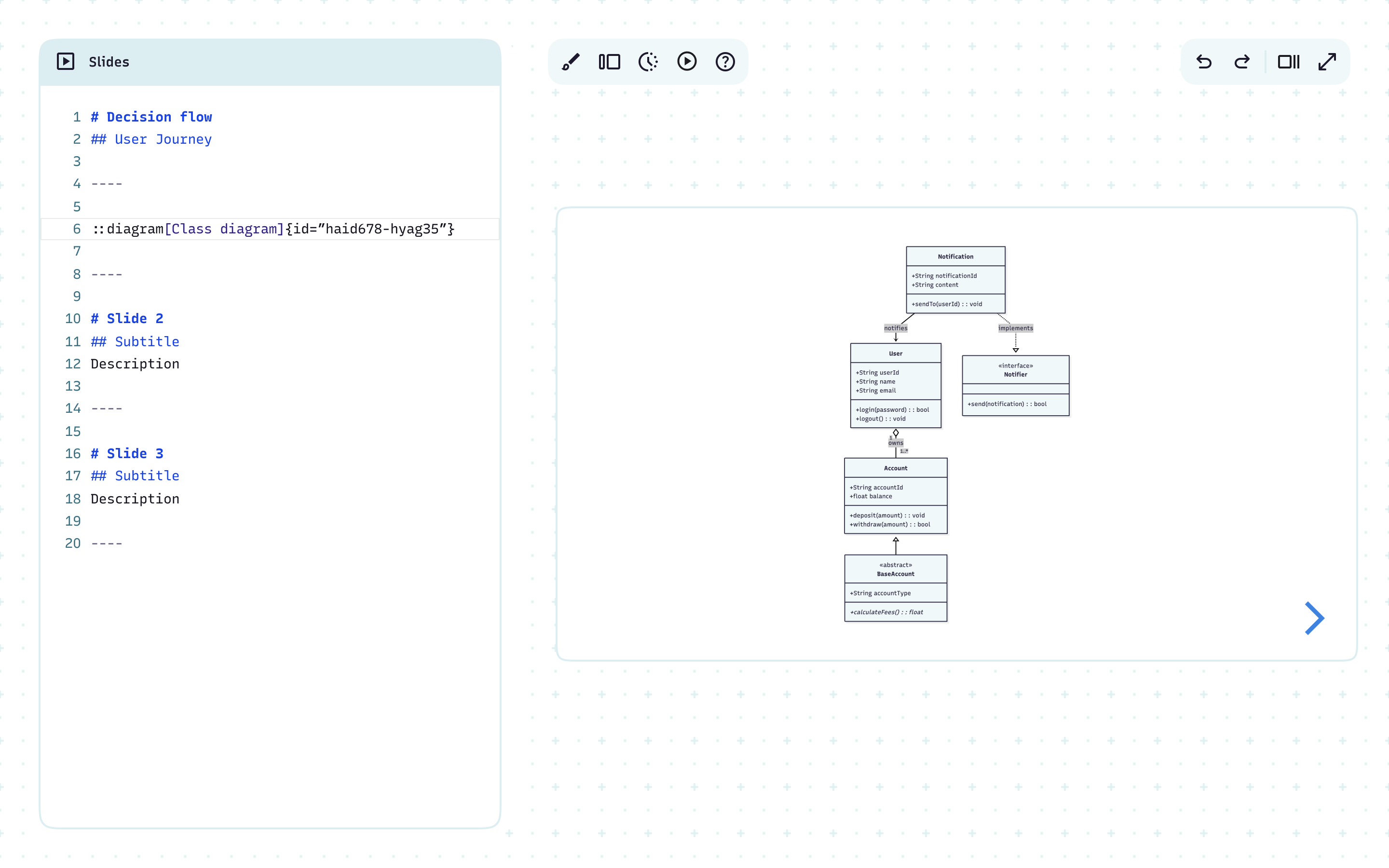
Walk through systems with clarity
Show how services connect in reviews
Present technical detail in a way that’s easy to grasp
Mermaid recommends:
Sequence diagrams, ER diagrams, Gantt charts, and more
Show architecture at any altitude
Walk through cloud deployments or service maps
Show context, containers, components, and code
Give stakeholders the right level of technical detail
Mermaid recommends:
C4 or architecture diagrams
Turn strategy into a story people can follow
Make recommendations clear and actionable
Guide workshops with live, editable diagrams
Share a vision that everyone can align on
Mermaid recommends:
Process maps, customer journeys, and roadmaps to show direction and milestones
Keep projects on track and on time
Show blockers, dependencies, and progress clearly
Present updates without copy-pasting from other tools
Mermaid recommends:
Gantt charts or timelines
Model state changes with precision
Show lifecycle events for orders, tickets, or services
Present failure states alongside happy paths
Align teams by visualizing who owns each state and its transitions
Mermaid recommends:
State diagrams
Align teams with visuals, not walls of text
Highlight inefficiencies and proposed improvements
Keep cross-team projects visible and easy to follow
Mermaid recommends:
Org charts and process flows
Make a data story instantly clear
Translate technical data into something stakeholders grasp on sight
Cut onboarding time
Mermaid recommends:
ER diagrams, Sankey flows, or user journeys
Walk through systems with clarity
Show how services connect in reviews
Present technical detail in a way that’s easy to grasp
Mermaid recommends:
Sequence diagrams, ER diagrams, Gantt charts, and more
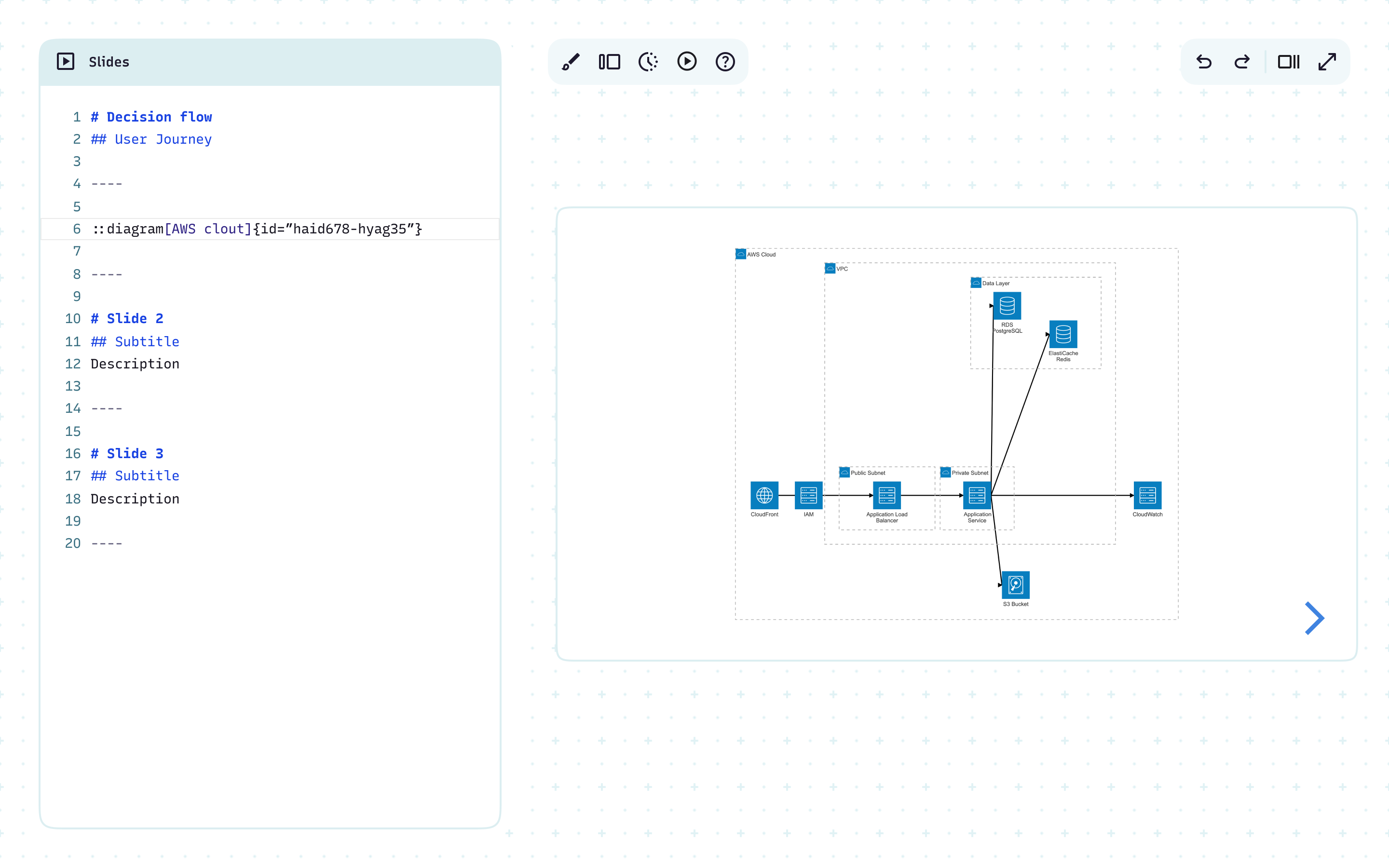
Show architecture at any altitude
Walk through cloud deployments or service maps
Show context, containers, components, and code
Give stakeholders the right level of technical detail
Mermaid recommends:
C4 or architecture diagrams
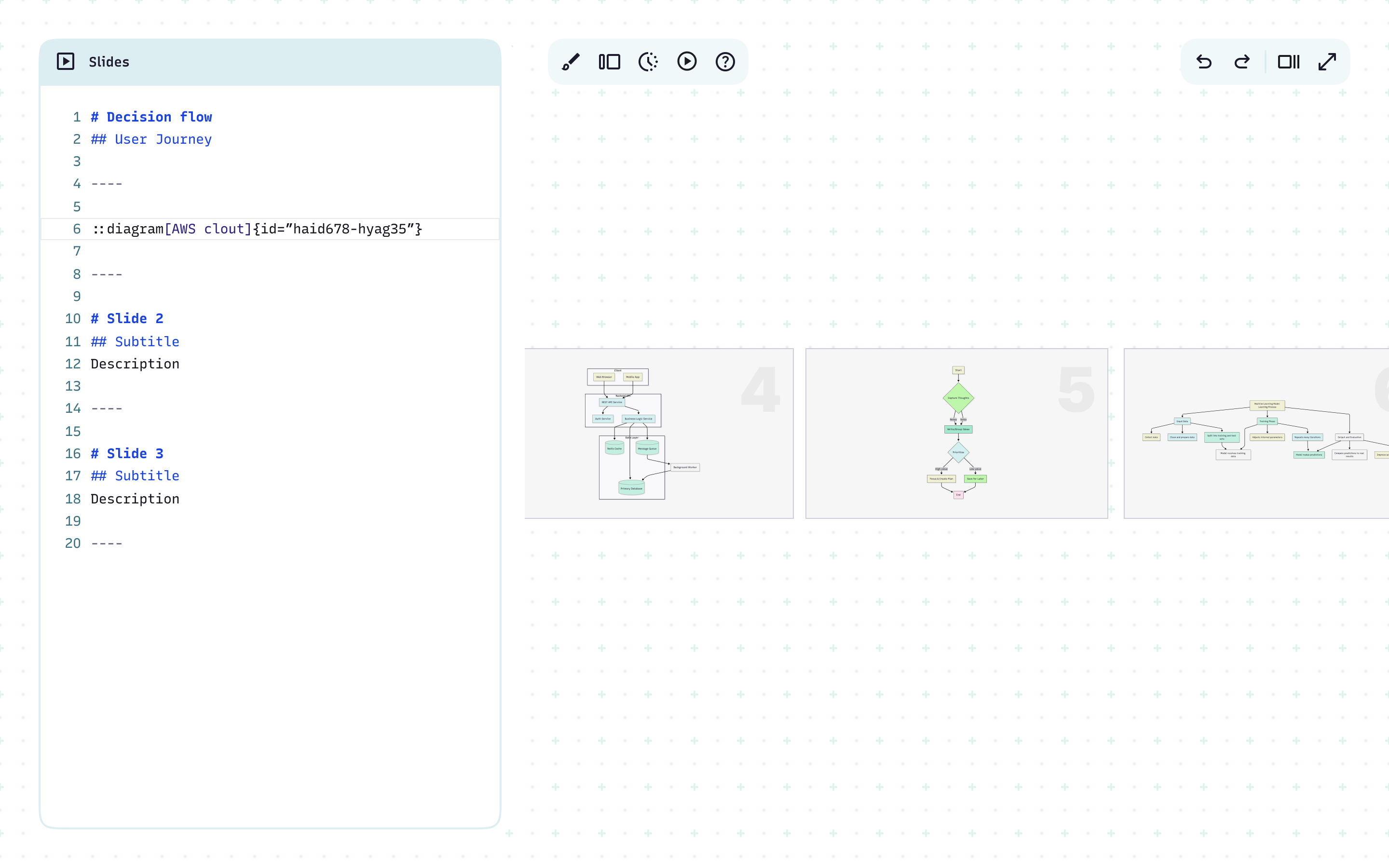
Turn strategy into a story people can follow
Make recommendations clear and actionable
Guide workshops with live, editable diagrams
Share a vision that everyone can align on
Mermaid recommends:
Process maps, customer journeys, and roadmaps to show direction and milestones
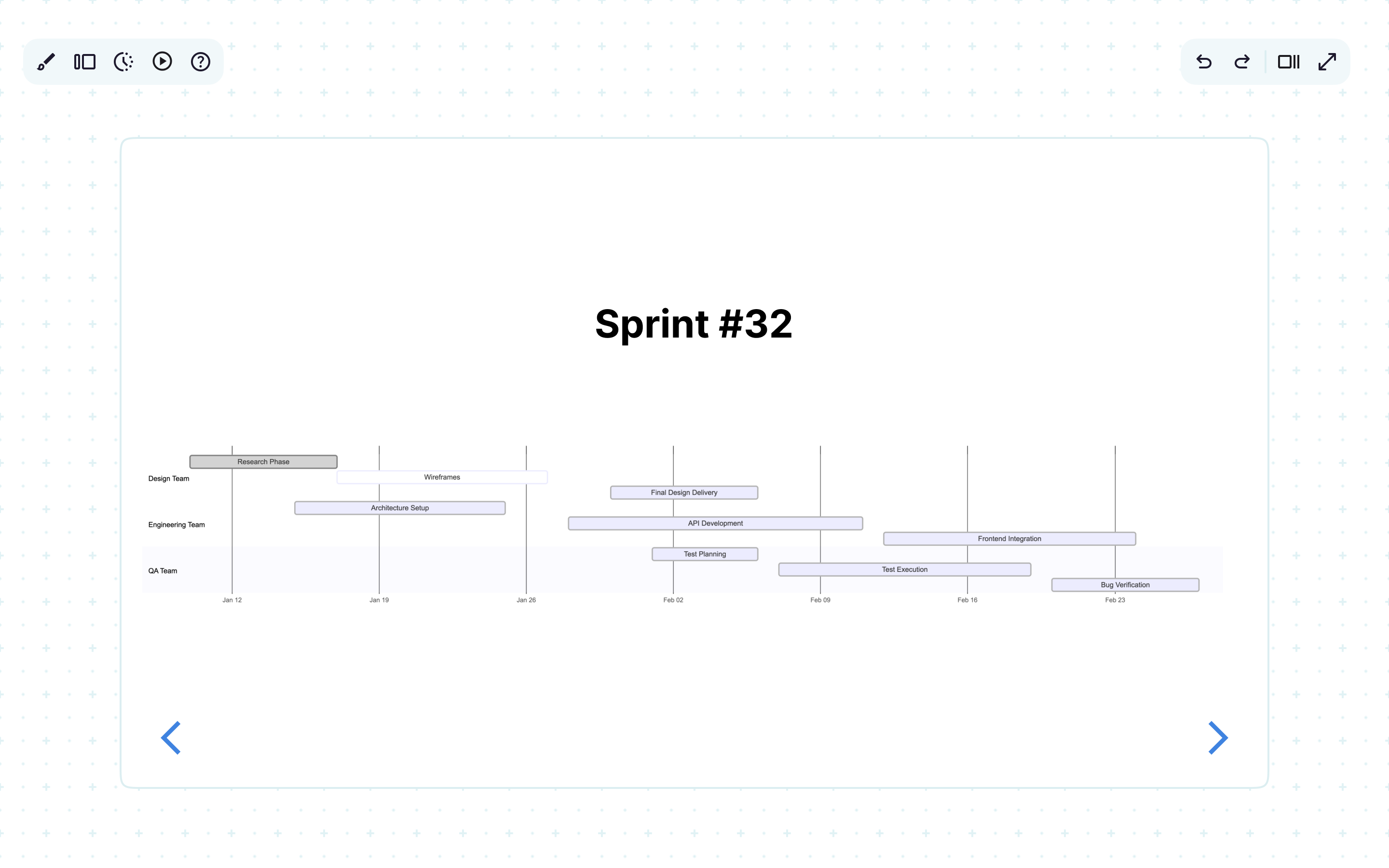
Keep projects on track and on time
Show blockers, dependencies, and progress clearly
Present updates without copy-pasting from other tools
Mermaid recommends:
Gantt charts or timelines
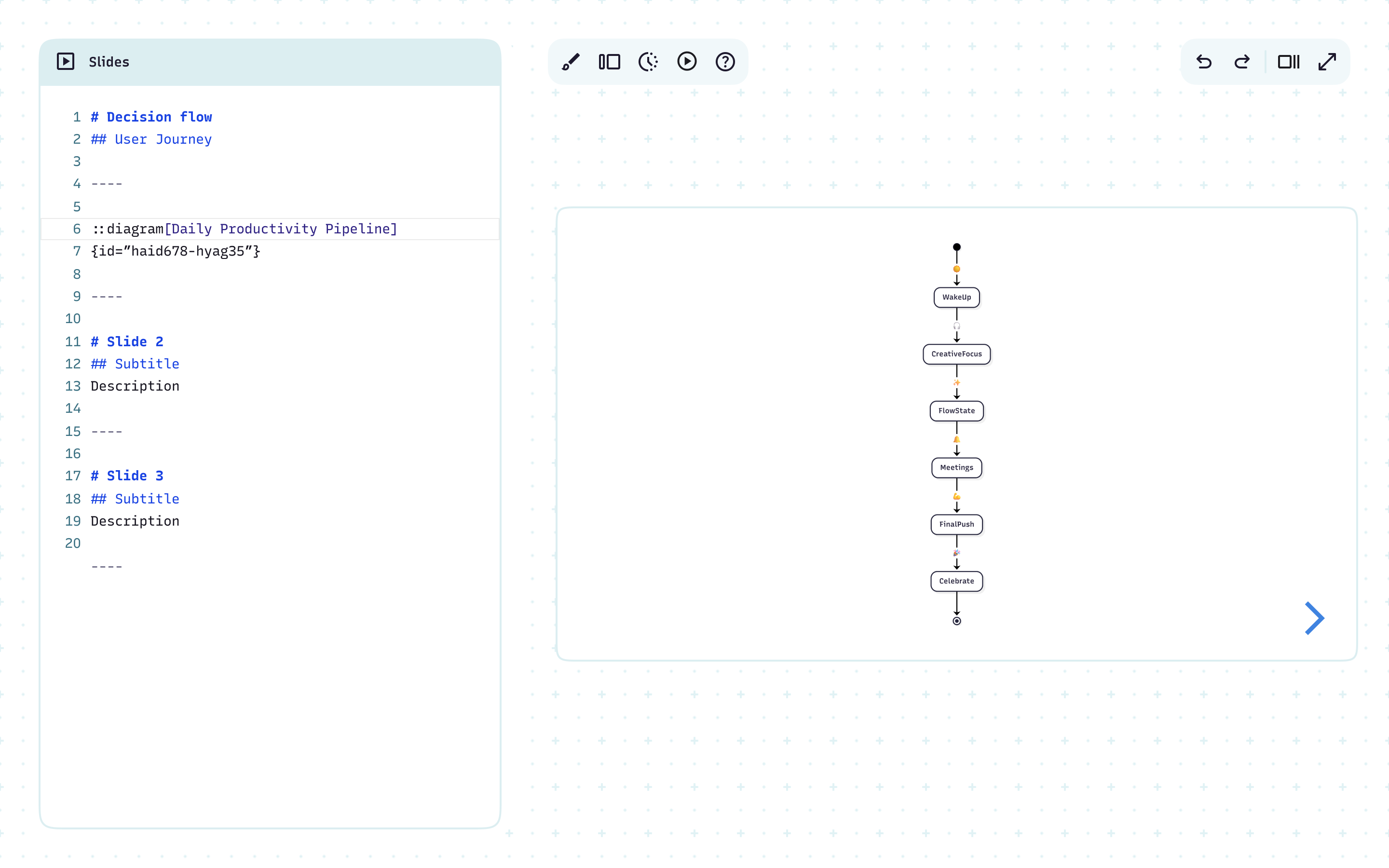
Model state changes with precision
Show lifecycle events for orders, tickets, or services
Present failure states alongside happy paths
Align teams by visualizing who owns each state and its transitions
Mermaid recommends:
State diagrams
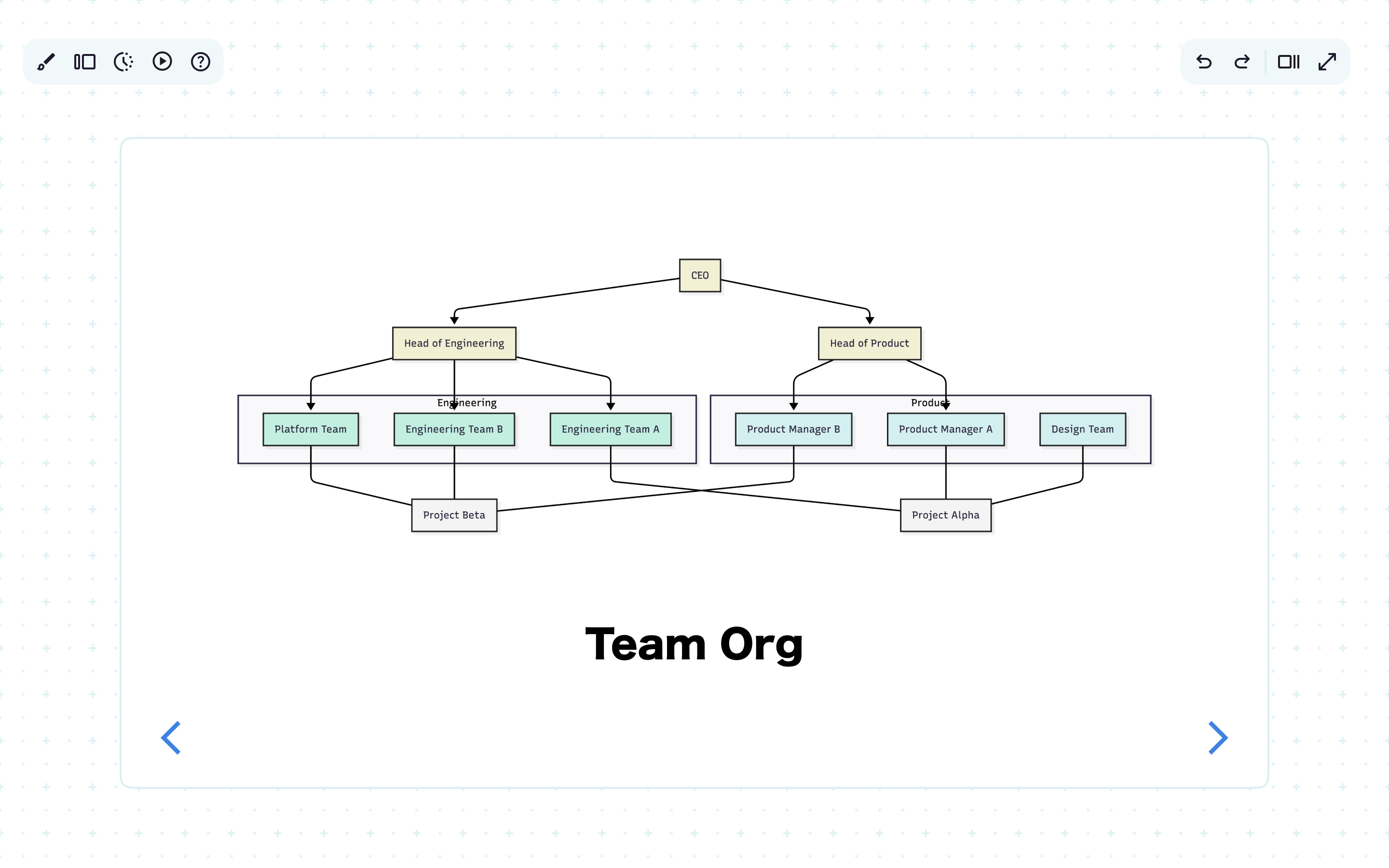
Align teams with visuals, not walls of text
Highlight inefficiencies and proposed improvements
Keep cross-team projects visible and easy to follow
Mermaid recommends:
Org charts and process flows
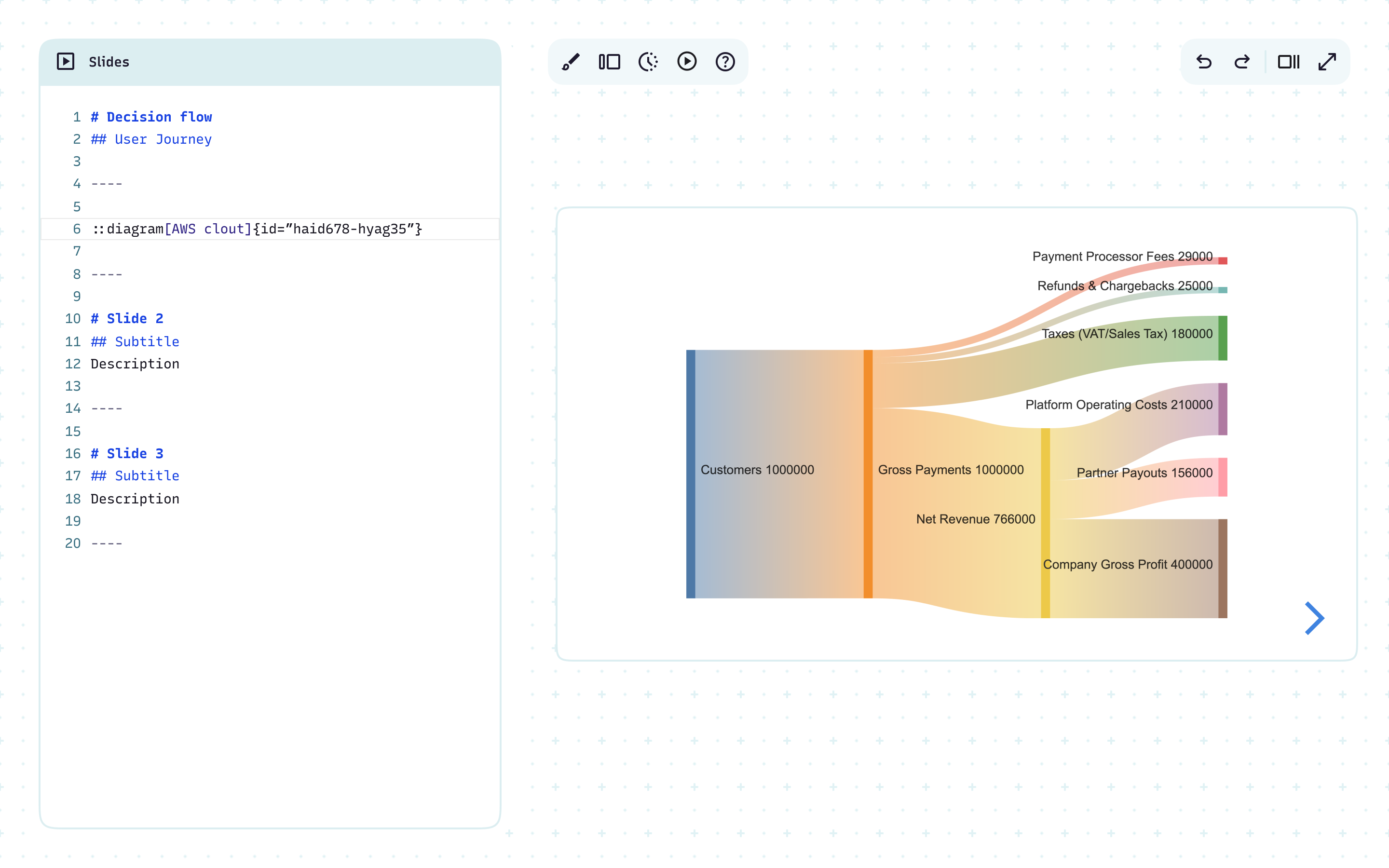
Make a data story instantly clear
Translate technical data into something stakeholders grasp on sight
Cut onboarding time
Mermaid recommends:
ER diagrams, Sankey flows, or user journeys
Less time syncing, more time building
One shared canvas for mapping ideas, collaborating live, and keeping teams on the same page, literally.
FAQ
Have questions about presentations? These should help.
- Technical reviews (sequence diagrams, ER diagrams)
- Architecture walkthroughs (C4 diagrams, service maps)
- Strategy discussions (process maps, customer journeys, roadmaps)
- Project updates (Gantt charts, timelines)
- State modeling (state diagrams for orders, tickets, services)
- Team alignment (org charts, process flows)